Your Website
Sell on Your Website: Products, Prices and Payments
Add products with photos and prices to the website you built in the Code Lab, take card and transfer payments into your own account, and get a message on your phone for every order.
Plain-English guides for beginners, free tools, safety tips and a two-minute recap of every class. Written for people learning AI on a phone, in Nigeria and everywhere.
You do not need to pay to start learning AI. The free chatbots, image makers and everyday tools we use in class, plus the free tools made by the Academy.
AI makes scams more convincing. The warning signs, the details you must never type into any AI tool, and what to do if something feels wrong.
How to use AI honestly to write a stronger CV, tailor each application and practise interviews, without making anything up.
The class showed how large images can take up space and make a website slow.
The class showed how to turn speech into text by recording audio in the tool or uploading an audio file.
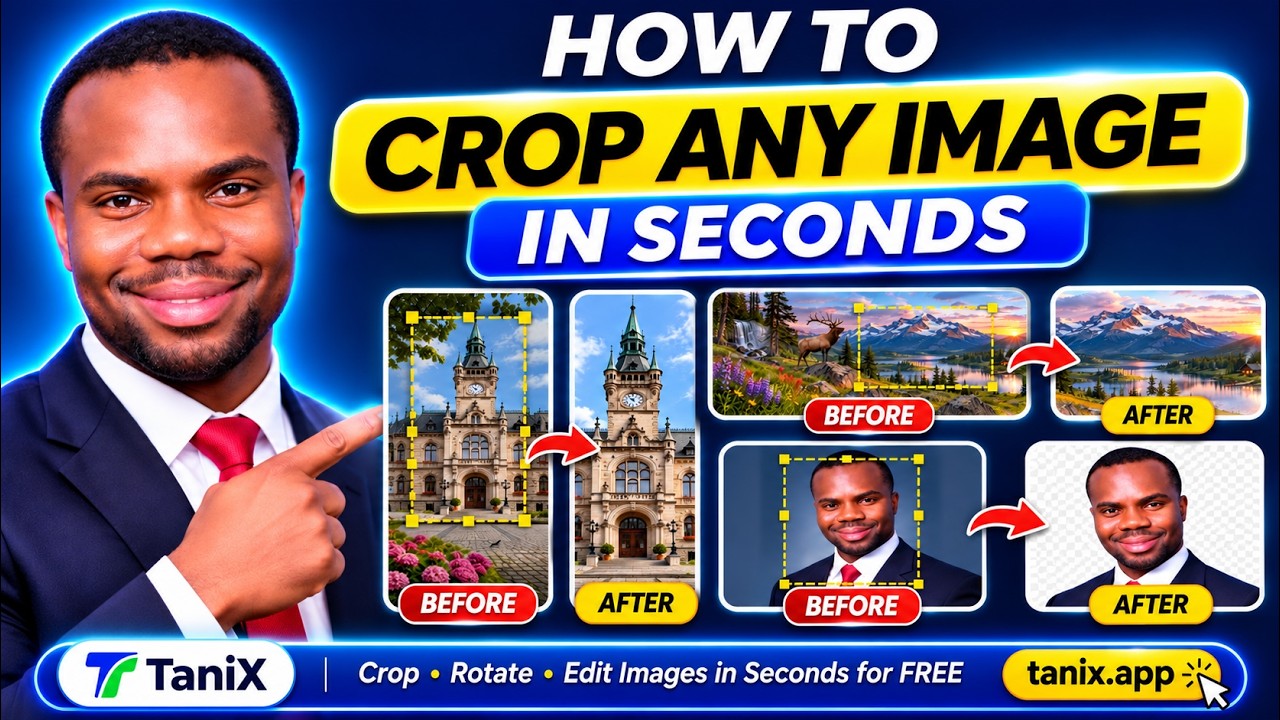
The class showed how to use TaniX’s Crop and Rotate tool to select part of an image, crop it, and download the result.
The class showed how to upload images to Tanics, remove their backgrounds, choose a background color, and download the finished images.
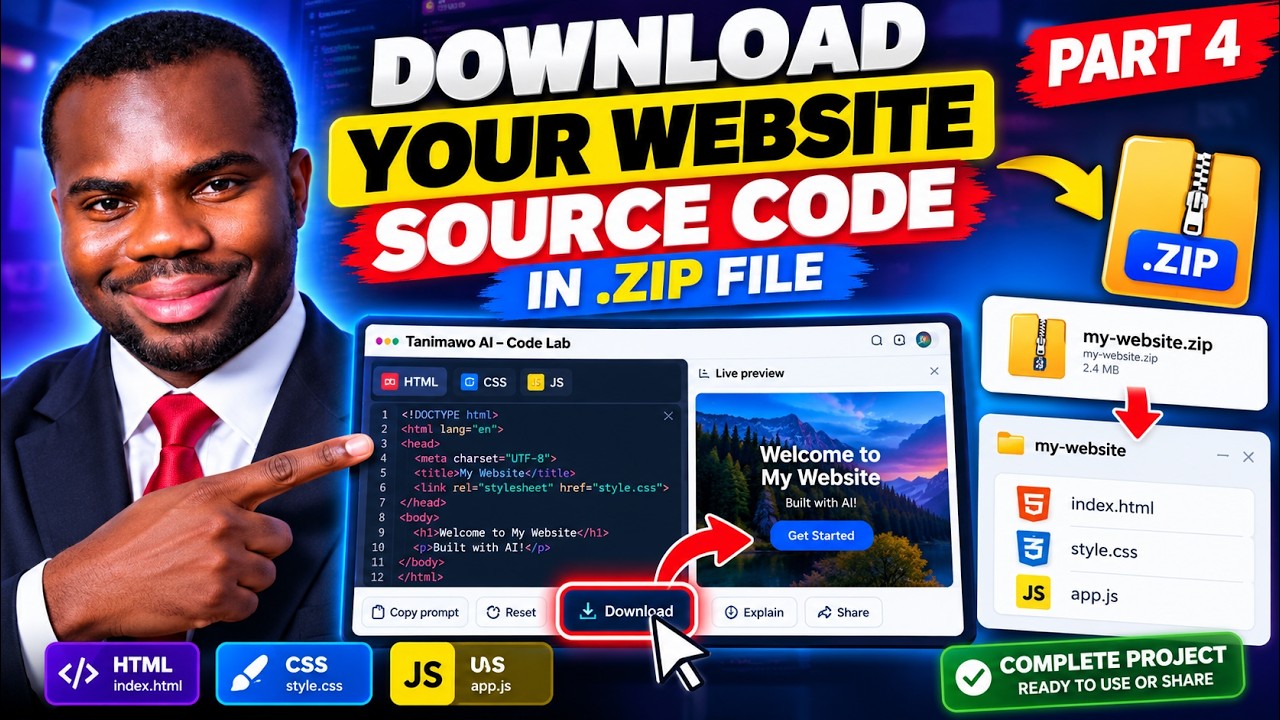
The class showed how to use Tanix Code Lab and the admin panel to build and manage websites.
The class showed how to build a sample e-commerce website using AI-generated images and HTML, CSS, and JavaScript in Code Lab.
The class showed how to preview images, crop unwanted parts, download them, and send them from Image Studio to Code Lab.
The class showed how to use Image Studio to generate images from a prompt, with or without an uploaded image.
The class introduced the front end, back end, and database, and showed how the back end can handle website data, forms, payments, login checks, and user permissions.
The class showed how to invite someone to edit a website in TaniX using their email address.
The class showed how to hand a website over to a client through the admin panel, using the email address linked to the client’s account.
The class covered updates to Tanx, including website templates, website management, domain search, watermark removal, notifications, and a desktop version of Connect.
This class showed how to add multiple product images to one container on a website using TaniX.
In this class, Dr. Daniel Tanimawo demonstrated how to build a premium barbershop website for free using the Tanix website builder tool.
Take payments across Africa — cards, bank transfer and mobile money — into your own Flutterwave account.
Take card, bank transfer and USSD payments from Nigeria, Ghana, Kenya and South Africa, straight into your own Paystack account.
Take card payments from customers abroad in dollars, pounds or euros, straight into your own Stripe account.
TaniX draws a matching logo and browser-tab icon for every website from its own name and colour. Pick one, or upload your own.
What the badge is, why it is there, and how to take it off a website you want to look fully your own.
Add products with photos and prices to the website you built in the Code Lab, take card and transfer payments into your own account, and get a message on your phone for every order.
Save and read back anything on your published website — products, bookings, posts, comments, sign-ups — with a few lines of code and no setup.
This class taught how to remove the Made with TaniX watermark from your website.
This class explained how to connect your AI API key in TaniX to build websites using AI without relying on third-party code copying.
In this class, Dr. Daniel Tanimawo showed how to build a student website using only a phone and free tools.
This class taught how to add an announcement bar to your website using TaniX without writing any code.
In this class, Dr. Daniel Tanimawo showed how to add social media links to websites using the tanix.app admin panel.
This class taught how to remove the WhatsApp button from your website using the TaniX admin panel.
This class taught how to add a WhatsApp button to your website using the TaniX platform.
In this class, Dr. Daniel Tanimawo explained why he adds the TaniX watermark to all websites built on the TanoAI platform.
This class introduced the basics of backend development and explained the difference between front end and back end of websites.
In this class, Dr. Daniel Tanimawo reviewed and improved a student's Islamic lectures website built using AI.
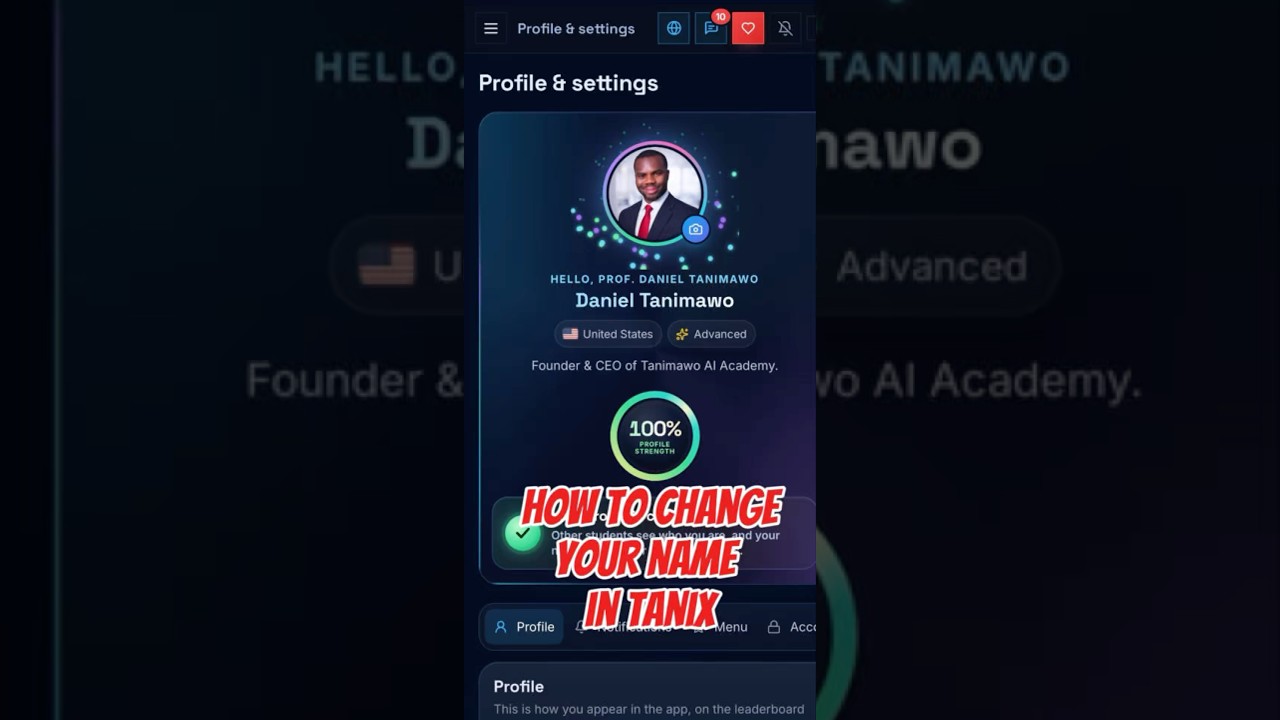
This class taught how to change your profile name in the TaniX app using only your phone.
In this class, Dr. Daniel Tanimawo demonstrated how to build a professional full-stack church website using TANIX and ChatGPT.
In this class, Dr. Daniel Tanimawo introduced the 100 website challenge where he aims to build 100 websites in 10 days.
This class taught how to edit websites quickly using the Tanx desktop app without relying on AI tools.
In this class, Dr. Daniel Tanimawo demonstrated how to build 10 websites in just a few minutes using ChatGPT and the Tanics app without coding.
In this class, Dr. Daniel Tanimawo showed how to add phone number, email, and address contact details to a website using an iPhone.
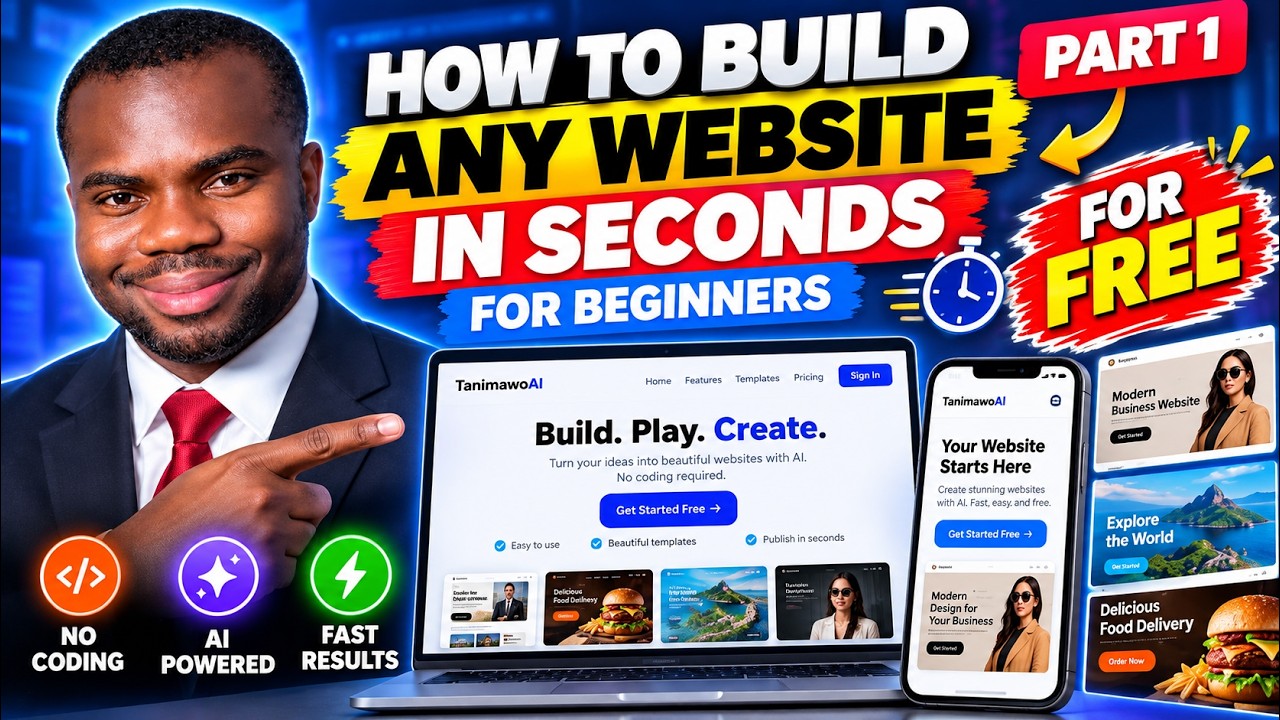
This class showed how to build a professional website for free using just a phone.
In this class, Dr. Daniel Tanimawo showed how he built a website called Veritas Legal using only his phone and ChatGPT.
In this class, Dr. Daniel Tanimawo taught how to clean up websites to make them look professional.
This class taught how to build a website for free using just your phone by visiting tanoai.com/codelab.
In this class, Dr. Daniel Tanimawo introduced the AI Website Builder feature that allows users to create websites by simply writing prompts.
This class showed how to edit a website using an app.
In this class, Dr. Daniel Tanimawo reviewed a student's website called No Legal and demonstrated how to clean it up using AI tools like ChatGPT.
This class showed how to install the Tanx app on an iPhone using the Chrome browser.
In this class, Dr. Daniel Tanimawo introduced his new matchmaking website called Soul Spark, which he built for free using his AI tool called Tanics.
In this class, Dr. Daniel Tanimawo showed how to build a professional furniture website using only a phone and for free.
In this class, Dr. Daniel Tanimawo reviewed a website called Royal Bakery built in the UK using Tanix Code Lab.
In this class, Dr. Daniel Tanimawo reviewed a website called HeartReset built in South Africa using Tanix Code Lab.
In this class, Dr. Daniel reviewed a beginner chemistry lab website called Chem Lab.
In this class, Dr. Daniel Tanimawo demonstrated how to build and customize a website from scratch using an AI-powered code lab.
In this class, Dr. Daniel Tanimawo taught how to clean up and improve websites using the Tano AI platform and Code Lab.
This class showed how to recover deleted websites using the recently deleted feature in Tanix.
In this class, Dr. Daniel reviewed a beginner AI-built biology website called Learn Biology.
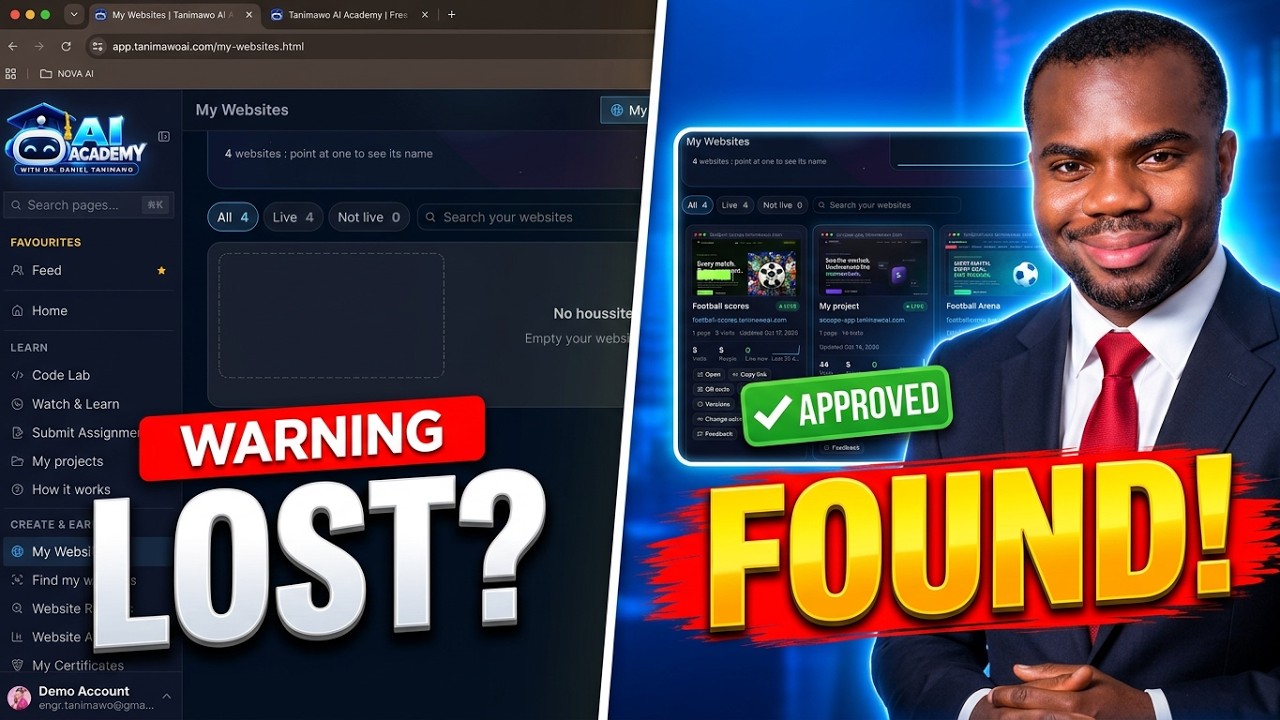
This class explains how students can find their published websites on TaniX.
In this class, Dr. Daniel reviewed a website called The Next Muse, built in Nigeria using Tanix Code Lab.
In this class, Dr. Daniel reviewed the MotionFit fitness website built in Nigeria.
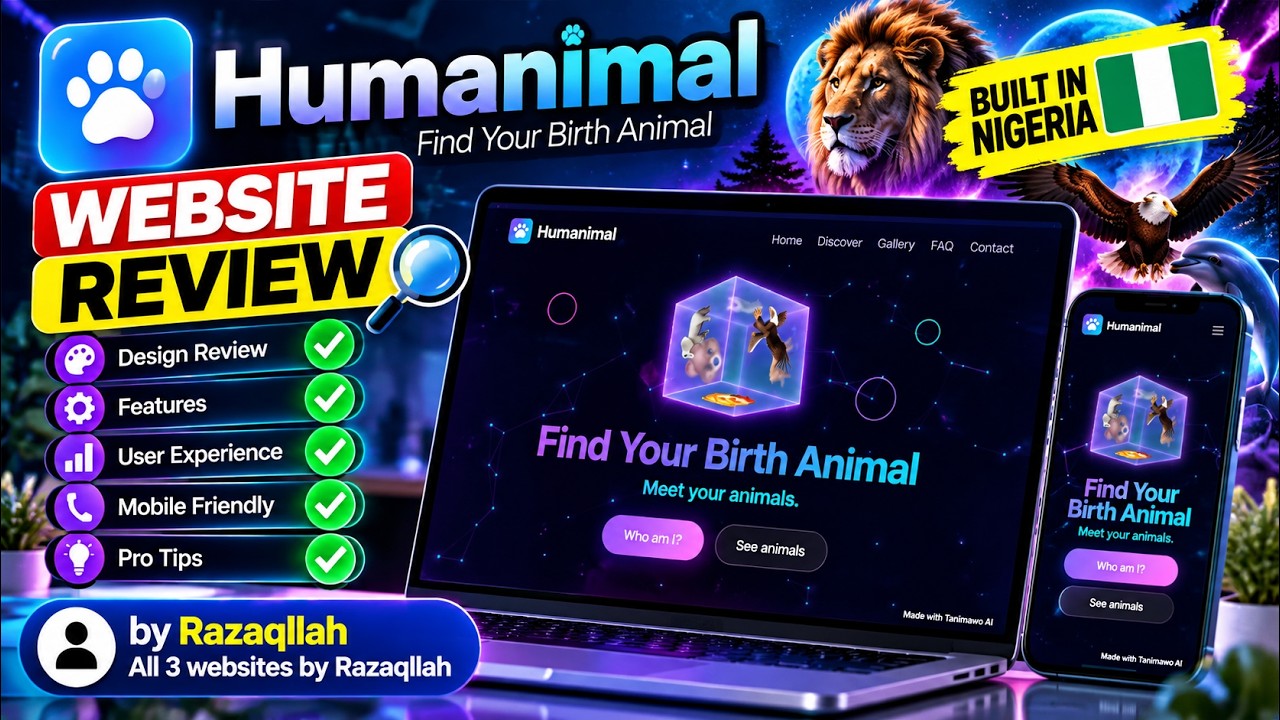
In this class, Dr. Daniel Tanimawo reviewed a website called Bet Animal that finds your birth animal based on your birth date.
In this class, Dr. Daniel reviewed a student website called V's Kitchen, highlighting its design and functionality.
This class introduced the Tamo AI Academy, a free beginner-friendly coding academy where students have built over 4,463 websites.
In this class, Dr. Daniel Tanimawo showed how to change your website address after publishing it.
This class explained how to buy a domain for your website and connect it to your site using AWS Route 53 and other domain providers.
This class taught how to use the versions feature in Codelab to restore previous versions of a website.
This class explained why some features like the upload button are missing when using the tanoai.com website.
This class taught how to connect a personal domain to a website built on Code Lab.
This class showed how to delete all old code and images in Code Lab to start fresh.
In this class, Dr. Daniel Tanimawo showed how to build a website using just a phone by uploading images and videos.
In this class, Dr. Daniel Tanimawo showed how to add images to a website using Code Lab and AI tools.
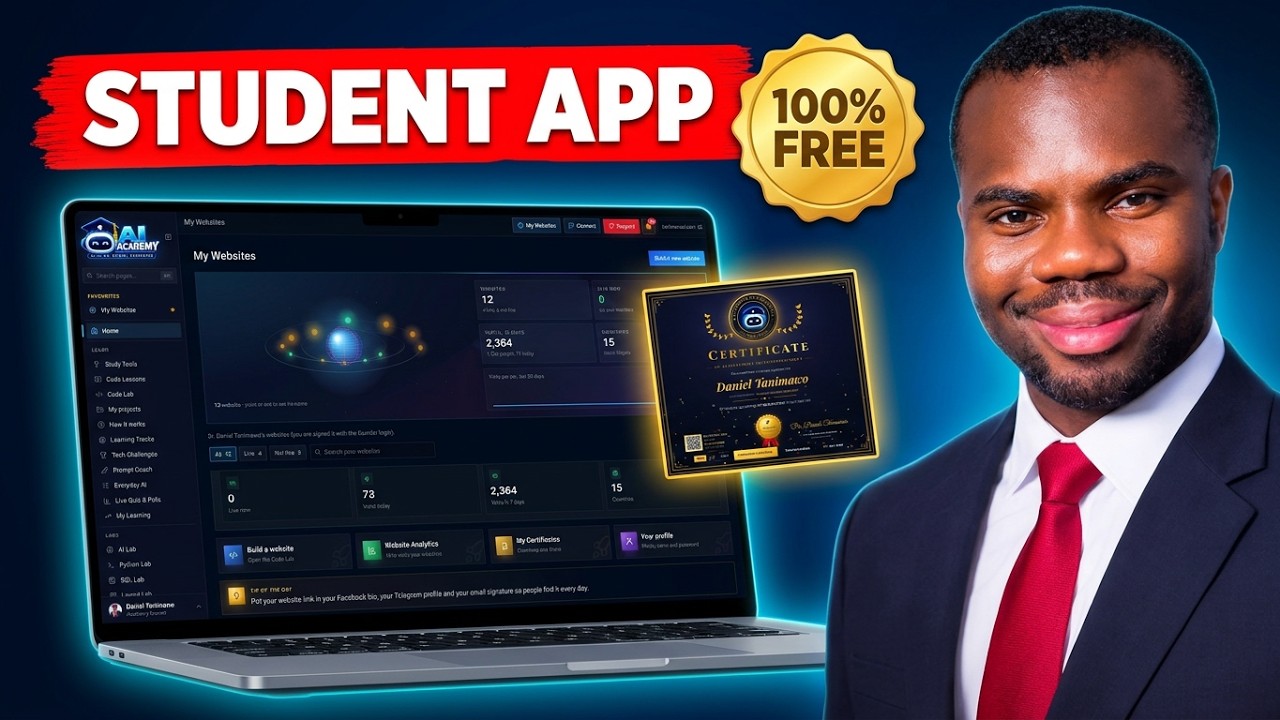
This class gave a complete overview of the Tanimawo AI Student App, showing how to set up your profile, build and publish websites using AI, and track website analytics.
This class showed how to completely set up your profile step-by-step.
This class taught how to change your profile name on the Tanimawo AI Student App.
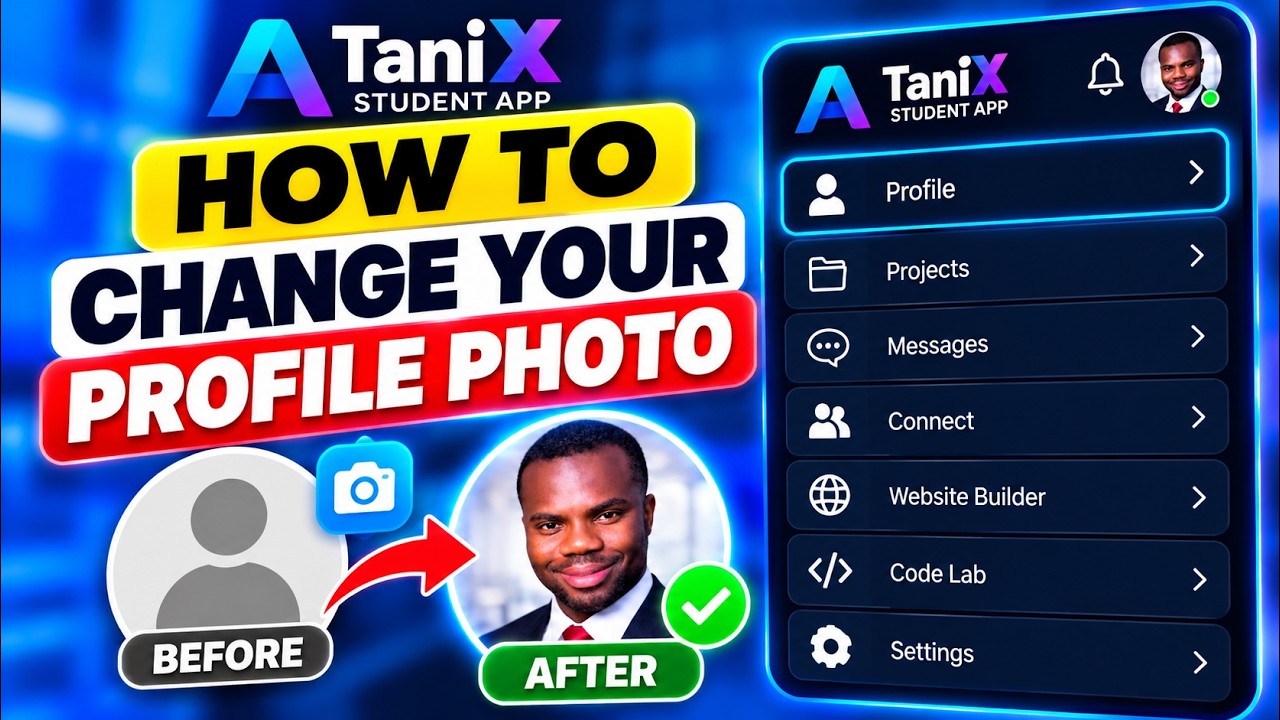
This class taught how to update your profile photo on the platform.
This class taught how to sign up or log in to the AI Academy Student App for free using a browser or phone.
In this class, Dr. Daniel Tanimawo introduced the Tanimawo AI app that helps you manage, edit, and publish websites for free.
In this class, Dr. Daniel Tanimawo reviewed and improved a beauty salon website from France using the Tanimawo AI Website Builder.
In this class, Dr. Daniel Tanimawo reviewed a game website called Rescue Rush from Zambia built using the Tanimawo AI Website Builder.
In this class, Dr. Daniel reviewed and fixed a website built using the Tanimawo AI Website Builder for Endam Achu AI Academy in Cameroon.
In this class, Dr. Daniel Tanimawo reviewed and improved a dating website for people over 50 using the Tanimawo AI Website Builder.
In this class, Dr. Daniel Tanimawo reviewed and fixed a website called Green Harvest built using the Tanimawo AI Website Builder.
In this class, Dr. Daniel Tanimawo reviewed a Ghanaian website called Godwin Sporty Bet, which offers football betting predictions.
In this class, Dr. Daniel reviewed a Nigerian website called Oyebode Ventures built using the Tanimawo AI Website Builder.
In this class, Dr. Daniel Tanimawo reviewed a website called Noble Beverage built using the Tanimawo AI Website Builder.
In this class, Dr. Daniel Tanimawo reviewed a website called GEMESTORES built using the Tanimawo AI Website Builder.
In this class, Dr. Daniel reviewed a website built using the Tanimawo AI Website Builder for LESCO EWENIKE & SONS Nigeria Limited.
In this class, Dr. Daniel Tanimawo reviewed a website called Item7-GO Restaurant built using the Tanimawo AI Website Builder.
In this class, Dr. Daniel Tanimawo showed how he built a website entirely using his phone.
In this class, Dr. Daniel Tanimawo showed how to build a website using only a phone by using the Tanimo AI website and its codelab feature.
In this class, Dr. Daniel Tanimawo showed how to quickly build websites using an AI-powered feature called Quick Website.
This class taught how to download a certificate after building an expense tracker website.
In this class, Dr. Daniel Tanimawo showed how to upload images to the Tanimawo AI Website Builder and use them in your website project.
In this class, Dr. Daniel Tanimawo demonstrated how to publish a website online for free using Tanimawo AI.
In this class, Dr. Daniel Tanimawo demonstrated how to update and improve a website's design by using AI to generate and modify HTML, CSS, and JavaScript code.
In this class, Dr. Daniel Tanimawo demonstrated how to build and improve a website called AfriMax using AI.
In this class, Dr. Daniel Tanimawo demonstrated how to generate all website images using AI and then build a website using those images.
In this class, Dr. Daniel Tanimawo showed how to fix JavaScript errors in a typing game using AI help.
In this class, Dr. Daniel Tanimawo showed how to build websites and games quickly using AI without coding experience.
This class showed how to download and share a certificate after building a website.
In this class, Dr. Daniel Tanimawo showed how to build a website like Amazon using AI without coding experience.
Practical ways a shop, salon, kitchen or online seller can save time and win customers with free AI tools, with prompts you can copy.
How AI image and video tools work, how to describe what you want, and how to use them responsibly, with tools you can try for free.
You do not need to pay to start learning AI. The free chatbots, image makers and everyday tools we use in class, plus the free tools made by the Academy.
The four-part method we teach in class (Role, Context, Task, Format) turns vague questions into answers you can actually use. With examples you can copy today.
Everything you need to join Dr. Daniel Tanimawo's free live AI class: the time in your country, the link, what to bring, and what to do if you miss a class.
AI makes scams more convincing. The warning signs, the details you must never type into any AI tool, and what to do if something feels wrong.
Most of our students learn AI on a phone. How to set your phone up, save data, and do real work with AI from the palm of your hand.
How to use AI honestly to write a stronger CV, tailor each application and practise interviews, without making anything up.
No maths, no jargon. What artificial intelligence actually is, what it can and cannot do, and why it is worth learning now, even if you have never used a computer much.
AI chatbots sometimes state wrong facts with full confidence. Why it happens, when it matters most, and a simple routine to check an answer.
This class taught how to generate images using AI by giving clear and detailed prompts.
In this class, Dr. Daniel Tanimawo taught how to generate images using AI by giving clear and descriptive prompts.
In this class, Dr. Daniel Tanimawo demonstrated how important it is to give detailed prompts to AI for better results.
This class taught how to talk to AI by using prompting, which means giving AI clear instructions like talking to a friend.
In this class, Dr. Daniel demonstrated how to use AI live, showing how it can answer questions, fix messy resumes, summarize texts, and create images.
This class explained how to talk to AI effectively by using a simple four-step process: role, task, context, and format.
This class introduced students to various AI tools and what they can create with AI, such as writing, images, audio, and videos.
This class explained how AI learns by spotting patterns and responding.
This class explained what AI means in simple terms for beginners.
This class introduced absolute beginners to AI, explaining what AI is in simple terms without technical jargon.
This class taught how to create free AI videos using the YouTube app.
In this class, Dr. Daniel Tanimawo showed how to create your first free AI video using the Google Flow app.
This class taught how to download the ChatGPT AI app from the app store or play store.
This class introduced students to various AI tools available on app stores.
Try another word, or .