How to Change Your Website Address After Publishing
In this class, Dr. Daniel Tanimawo showed how to change your website address after publishing it.
This recap was written from the class video. Watch it above or on YouTube.
What the class covered
In this class, Dr. Daniel Tanimawo showed how to change your website address after publishing it. He demonstrated how to update the domain name using the Tanics app and explained the process of reverting to old addresses if they are still available. He also mentioned the option to buy your own domain for a more professional website. The class included practical examples of changing website addresses and tips on managing domains.
Key takeaways
- You can change your website address anytime using the Tanics app by clicking 'change address'.
- If the old address is still available, you can revert back to it easily.
- To use a custom domain like your own .com, you need to buy the domain separately.
- Changing your website address is simple and can be done as often as you want.
- Be careful because if someone else takes your old address, you might not be able to get it back.
- Using quality images can make your website look more professional but it takes time.
Test yourself
1. How do you change your website address after publishing?
2. What should you do if you want a professional website address like your own .com?
3. What happens if someone else takes your old website address?
Keep reading

MotionFit Website Review
In this class, Dr. Daniel reviewed the MotionFit fitness website built in Nigeria.
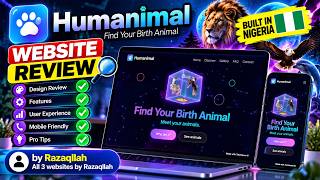
Humanimal Website Review
In this class, Dr. Daniel Tanimawo reviewed a website called Bet Animal that finds your birth animal based on your birth date.

Over 4,000 Websites Built for FREE! See What’s Happening at TaniX Code Lab!
This class introduced the Tamo AI Academy, a free beginner-friendly coding academy where students have built over 4,463 websites.
