How to Convert Audio to Text in Seconds for FREE
The class showed how to turn speech into text by recording audio in the tool or uploading an audio file.
This recap was written from the class video. Watch it above or on YouTube.
What the class covered
The class showed how to turn speech into text by recording audio in the tool or uploading an audio file. It also showed how to choose spoken and written languages, review the transcription, and save it as text.
Key takeaways
- Record your voice in the tool, then stop the recording to get a transcription.
- Upload an audio file when you want to turn existing audio into text.
- Choose the spoken language and the language you want the text written in.
- Review the text because the transcription may not be perfect.
- Use “Save as text” to save the transcription for later.
Test yourself
1. What does the voice-to-text feature do?
2. What are two ways to provide audio to the tool?
3. What should you choose if you want the transcription written in English?
Keep reading

How to compress your images for free
The class showed how large images can take up space and make a website slow.
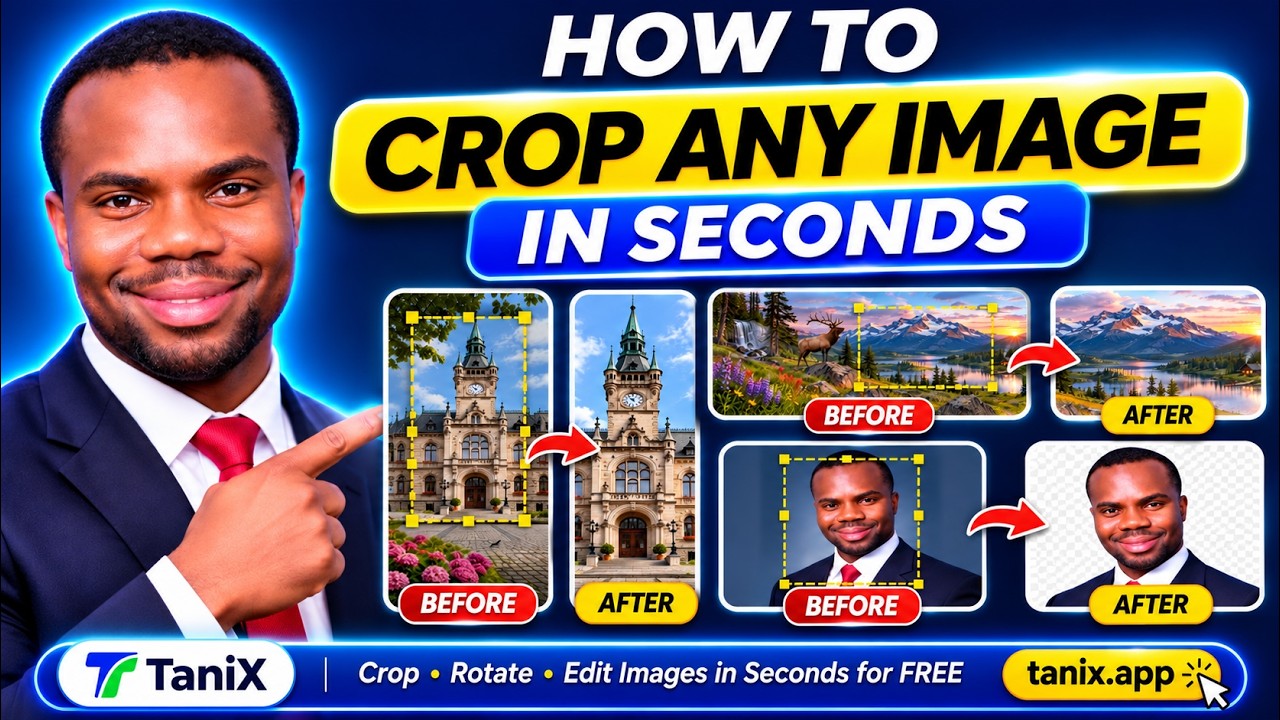
How to Crop and Rotate Any Image in Seconds for FREE
The class showed how to use TaniX’s Crop and Rotate tool to select part of an image, crop it, and download the result.

How to Remove Image Background in Seconds for FREE
The class showed how to upload images to Tanics, remove their backgrounds, choose a background color, and download the finished images.