How to Buy a Domain and Connect It to Your Website in Code Lab
This class explained how to buy a domain for your website and connect it to your site using AWS Route 53 and other domain providers.
This recap was written from the class video. Watch it above or on YouTube.
What the class covered
This class explained how to buy a domain for your website and connect it to your site using AWS Route 53 and other domain providers. Dr. Daniel showed how to search for domain availability, compare prices across platforms, and set up DNS records to link the domain to the website. The goal is to have a professional domain name that directs visitors to your site.
Key takeaways
- You can buy domains from many providers like AWS Route 53, Nameship, Cloudflare, Dino, and GoDaddy.
- Always compare domain prices across different platforms before buying.
- In AWS Route 53, use 'Register Domain' to search and buy your domain.
- To connect your domain to your website, add the required DNS records (A record and CNAME) as instructed.
- After setting up DNS records, it may take some time for the domain to become active.
- Once connected, your domain will direct visitors to your website, making it more professional.
Test yourself
1. Where does Dr. Daniel often buy his domains?
2. What should you do after buying a domain to connect it to your website?
3. Why is it good to compare domain prices on different platforms?
Keep reading
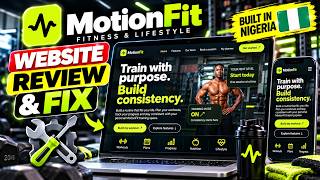
MotionFit Website Review
In this class, Dr. Daniel reviewed the MotionFit fitness website built in Nigeria.
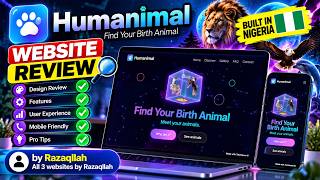
Humanimal Website Review
In this class, Dr. Daniel Tanimawo reviewed a website called Bet Animal that finds your birth animal based on your birth date.

Over 4,000 Websites Built for FREE! See What’s Happening at TaniX Code Lab!
This class introduced the Tamo AI Academy, a free beginner-friendly coding academy where students have built over 4,463 websites.
